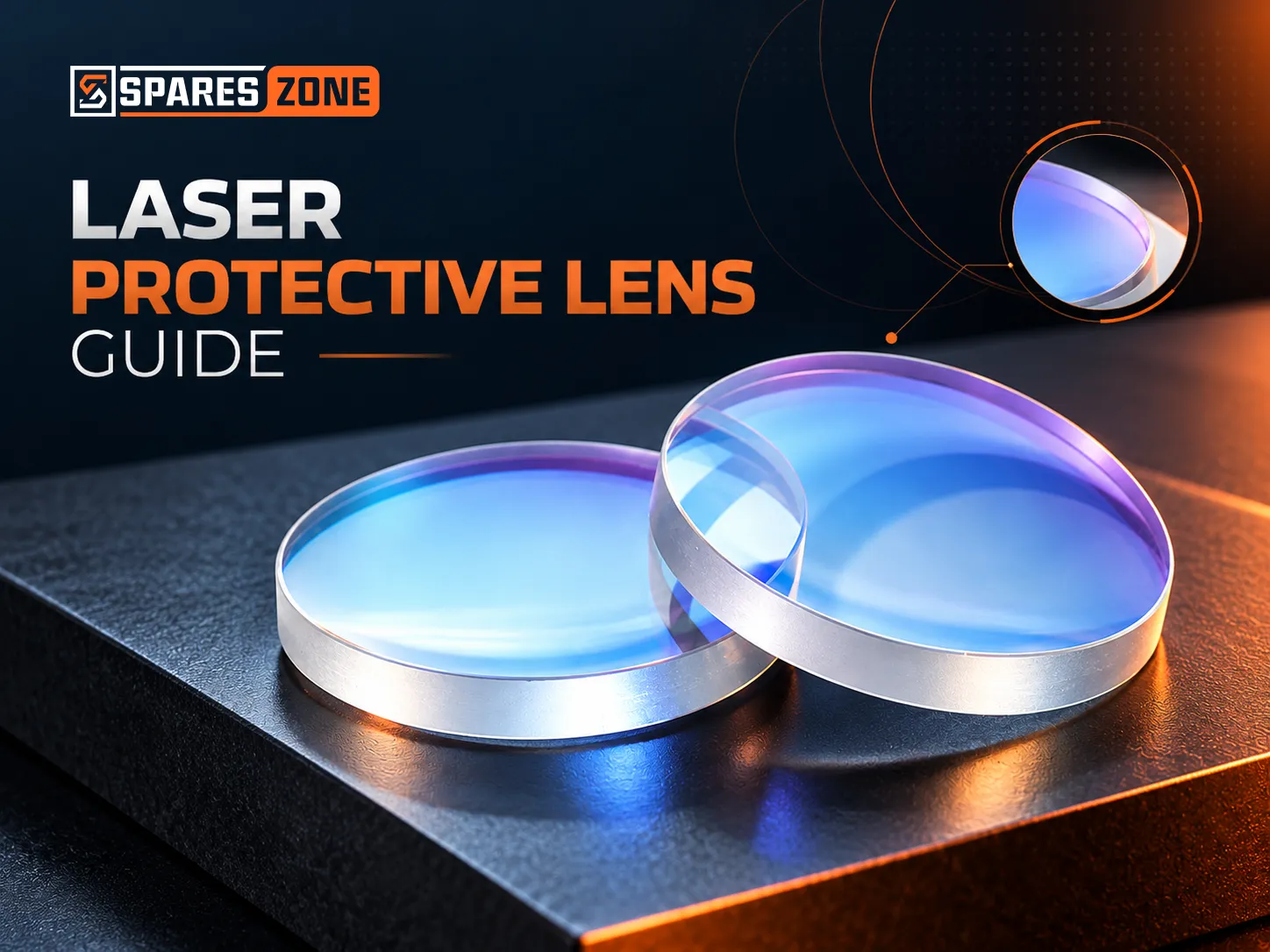
A laser protective lens is the flat glass window that keeps spatter, fume and dust off the focusing and collimating lenses in a fiber laser cutting head. To order the right one, know which window you are replacing, measure its diameter and thickness, and quote your laser power. Check it daily, clean it when it is dirty, and replace it as soon as it is damaged.
Halfway through a shift, a stainless job starts leaving a rough edge. You open the head, see a grey haze on the protective lens and wipe it with a cloth. Nothing improves: the haze is a burn mark in the glass, and the dry cloth has added scratches. Then the spare turns out to be 30 x 2 mm. Your head takes 30 x 5.
This guide shows how to avoid each slip, from ordering to cleaning.
What does a laser protective lens do?
It shields the expensive optics. Sparks, spatter, fume and dust land on this flat window instead of the focusing and collimating lenses, which cost many times more. It is also called a protective window, and it is a consumable.
Its condition still affects the cut. Dirt on the window absorbs part of the beam, and one laser machine maker's patent notes that the resulting heat can shift the focal position your cutting settings depend on. Another lists loss of cut, slower cutting and poorer cut quality as signs the window needs attention.
Four mistakes that lead to the wrong protective lens
1. Replacing the wrong window
A head can hold more than one protective window. On RayTools heads, the focusing-side window is 27.9 x 4.1 mm on standard heads up to 6 KW, and the collimation-side window is 24.9 x 1.5 mm. Both get called "the protective lens", so say which one you need.
2. Measuring only one number
Sizes are usually written diameter x thickness in mm, and both must match. A 30 x 5 mm window shares its diameter with 30 x 2 mm and its thickness with 34 x 5 and 36 x 5 mm. Measure both with a vernier.
3. Fitting a different thickness "for now"
A flat window in the narrowing beam below the focusing lens moves the focus by roughly t(n-1)/n, where t is the thickness and n the refractive index of the glass. Swap a 5 mm window for a 2 mm one and the focus moves about 0.9 to 1 mm, depending on the glass. The thinner window drops into the same holder, so the swap is easy to miss.
4. Leaving out the laser power
One size can be listed under several power ratings: on SparesZone, 37 x 7 mm appears at 6, 10, 12, 15, 20 and 30 KW. Quote your laser power with the size.
What should you check before ordering?
Send these five details together:
- Which window: focusing side (lower) or collimation side (upper). Your head manual usually shows where each one sits.
- Diameter and thickness of the old window, measured with a vernier.
- Cutting head make and model. SparesZone stocks protective lenses for RayTools, WSX, OSPRI and BOCI (BOCHU) heads.
- Laser power in KW.
- Grade: some sizes, such as RayTools 27.9 x 4.1 mm and BOCHU 34 x 5 mm, are listed in Original and OEM grades.
Then view all laser protective lens sizes, match your numbers and buy directly online. Size not listed, or the old window broken? WhatsApp a photo of the head or call us on +91 92740 95891.
Why buy from SparesZone?
The lens is cheap; a machine waiting for one is not. SparesZone keeps the order simple:
- Buy direct: order any listed size online, one piece or a pack, or ask for a bulk quote.
- Size check before you pay: send your measurements or a photo on WhatsApp to +91 92740 95891. Our Return & Replacement Policy does not accept returns for a wrong selection by the buyer, so it pays to confirm first.
- One order for a head service: protective lenses, focusing and collimating lenses, nozzles and cleaning supplies are all on the site.
- GST invoice: SparesZone is based in Ahmedabad, Gujarat, and every order is billed with a GST invoice (GSTIN 24AFSFS3212F1Z2), with no import paperwork.
Clean or replace? How to look after a protective lens
Check the lens every day, clean it whenever it is dirty, and replace it as soon as it is damaged. Cleaning removes dirt; it cannot repair a burn, pit or crack.
How often should you check and clean it?
Every day. Machine makers put lens cleaning in the daily maintenance routine, and one suggests checking the protective lens before and after each job. Look at it before the first job of the day, and clean it whenever you see dust, film or loose spatter. Handle it gently every time, because optics makers note that careless cleaning can damage coatings.
How to clean a protective lens, step by step
- Switch the laser off, blow the dust off the head around the window holder, and open it in a clean spot.
- Wear gloves or finger cots and lift the lens out by its edge. Never touch the faces.
- Blow loose dust off both faces with a hand air blower. Never wipe grit off dry, because it scratches the glass.
- Wet a lens cleaning cotton swab or lens paper with a few drops of high-purity IPA or acetone. Put the solvent on the swab, not on the lens.
- Wipe slowly in one direction, once, without pressing or scrubbing, then use a fresh swab for the next pass. Clean both faces.
- Check it under a bright light. If marks are still there after a careful clean, compare them with the replacement signs below.
- Let the solvent dry fully, then refit the lens flat, following your head manual on which way it faces, and close the holder without forcing it.
Keep acetone off plastic parts, because it damages plastic. IPA spray, acetone, cotton swabs and lens paper are all in our laser cleaning consumables range. Store spare lenses in their packing, somewhere dry, with nothing heavy on top.
When should you replace it?
Replace the lens as soon as it is damaged, because cleaning cannot repair it. Fit a new one if you see:
- Burn marks or black spots that stay after cleaning
- Pits, or a frosted or hazy patch that will not clean off
- Spatter fused onto the glass
- A crack or a chipped edge: replace it before the laser runs again
- Cut quality, cutting speed or cut-through that drops and does not come back after a clean
If you are replacing lenses much faster than usual, look beyond the glass. One laser machine maker notes that spotting normally happens during piercing, and points to pierce settings, a change of material and a damaged nozzle tip.
Frequently asked questions
Is a protective lens the same as a protective window?
Yes. Both names describe the same flat, replaceable part. "Protective window" is the more exact term, because the part has no focal length.
How often should a laser protective lens be replaced?
There is no fixed interval, because wear depends on the work. Check it daily and replace it as soon as it is damaged, using the signs listed above.
Can I clean a protective lens with acetone?
Yes, with care. Optics makers list reagent-grade acetone alongside isopropyl alcohol (IPA) for cleaning glass optics. Keep it off plastic parts, and if your head manual names a solvent, use that one.
Final thoughts
The protective lens is the cheapest optic in the head and the one you buy most often. Get three things right when you order - which window, both dimensions and your laser power - and keep a spare on the shelf. Then check it daily, clean it with care, and replace it as soon as it is damaged.
Buy your protective lens directly from SparesZone
Pick your size on our laser protective lens page and order online, one piece or a pack, with a GST invoice. Size not listed? WhatsApp or call +91 92740 95891, or email info@spareszone.in, with your head model, the window's diameter and thickness and your laser power.
Buy Laser Protective Lenses Online